YOUR SOUNDS. YOUR RULES.
CHOP.
PLAY.
MAKE IT YOURS.
A little studio for the sounds
you can’t leave alone.
SliceStud.io turns audio into slices you can play, shape and arrange. Start with a good bit. See what happens next.
iPhone · iPad · Mac
In development
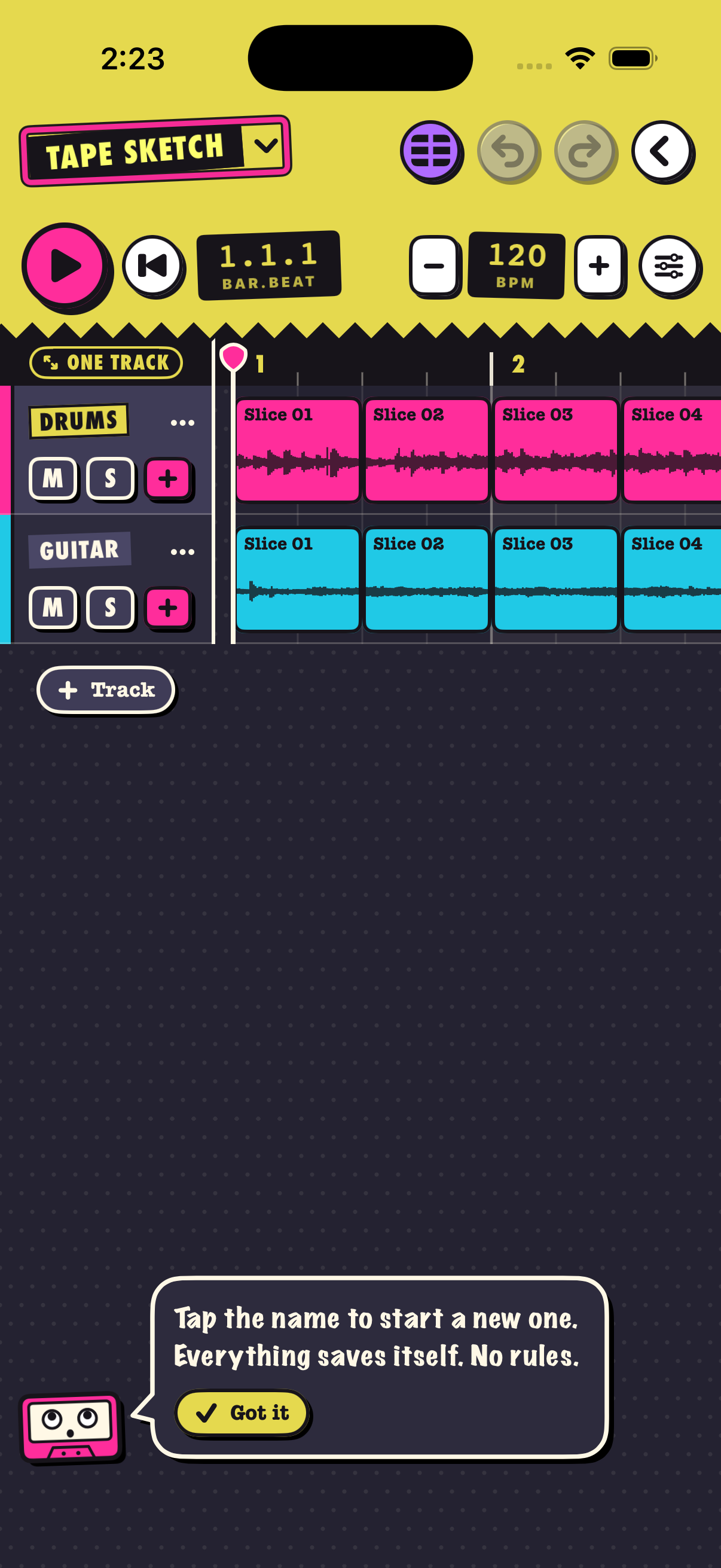
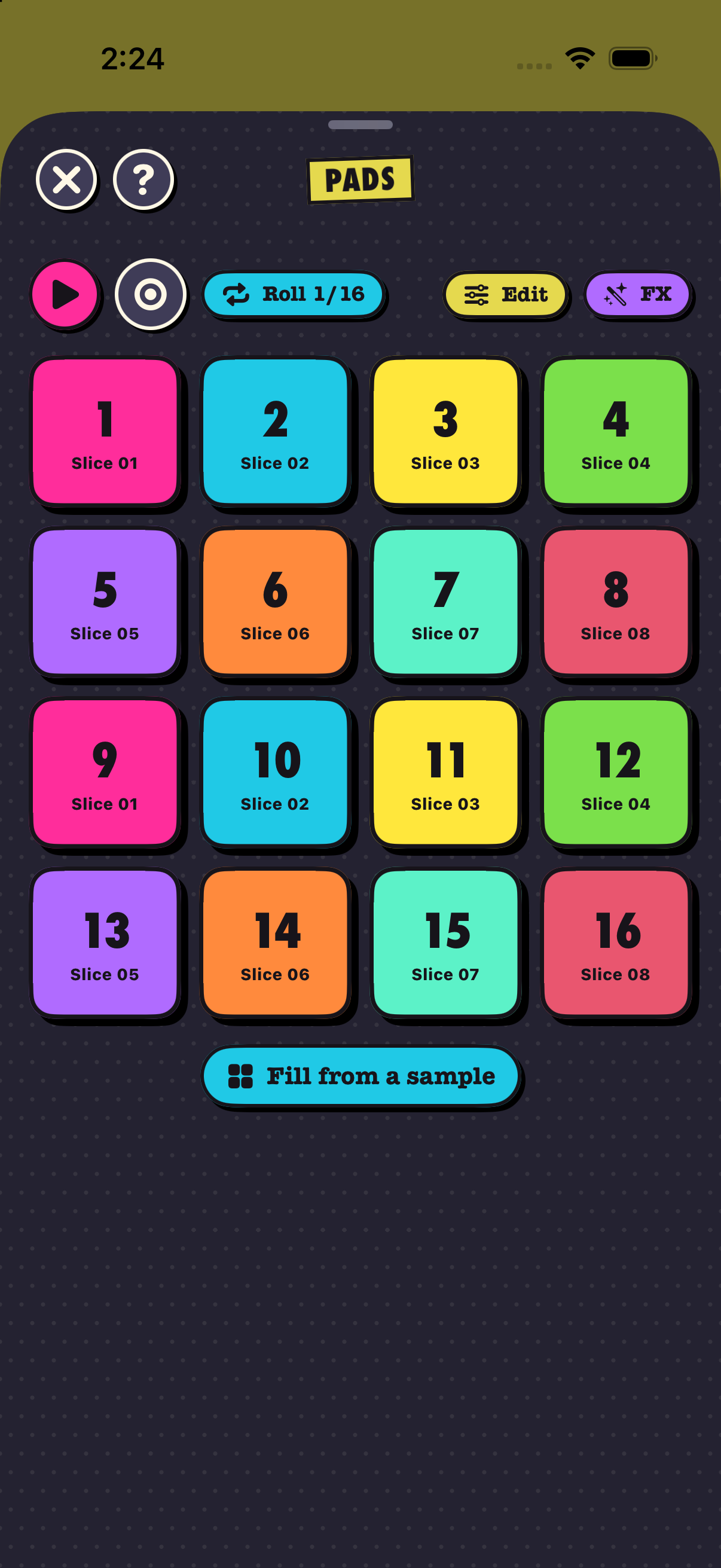
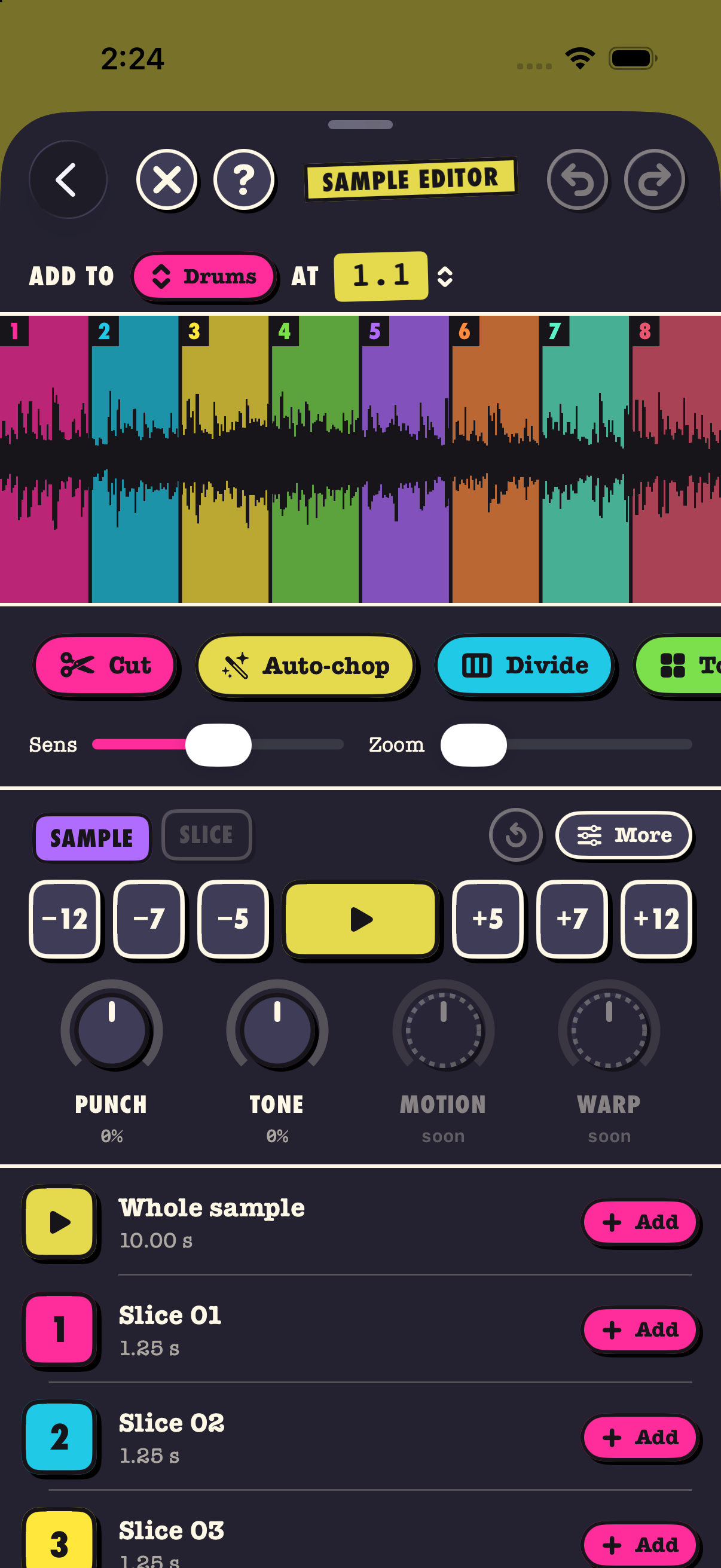
Actual app screens · iPhone development build
FROM ONE GOOD BIT TO A WHOLE NEW THING.
FIND YOUR CUT.
Import audio from Files. Tap to cut it yourself, divide it evenly, or auto-chop on transients. Every slice has a place on the pads.
PLAY IT YOUR WAY.
Sixteen pads. A roll to hold. Effects for a pad, a track, or the whole mix. Record what you play into your arrangement.
MAKE A LITTLE ROOM FOR IDEAS.
Build with clips on the timeline, launch loops in the Arranger, and splice pieces into new samples. Export a mixdown when you’re ready.
Screenshots show a development build. Features and appearance may change before release.
STILL IN THE STUDIO.
GOOD THINGS
ARE TAKING SHAPE.
SliceStud.io is in development for iPhone, iPad and Mac.
There’s no public download just yet.
The dot is a little cut in the name.
Say it “Slice Studio.” Find it at slicestud.io.